Showing posts with label Nokia. Show all posts

Nokia 5130 Xpress Music

Monday, April 12, 2010

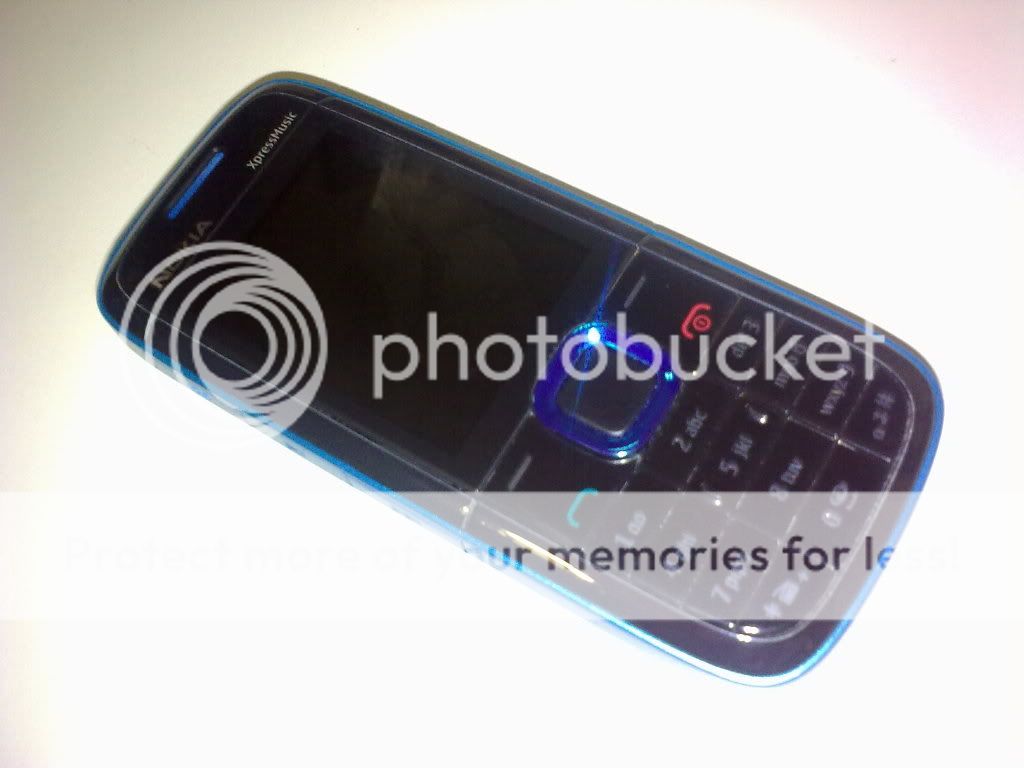
The Nokia 5130 Xpress Music or the 5130 XM is another classic bar shape phone from Nokia's Xpress Music Line and comes in three colors, blue, silver and red. Just like any music phone from Nokia, it specializes in excellent music but that is not all  this gadget has to offer. Its basic specifications include:
  • Bright screen up to  256K colors
  • Numeric Keypad
  • Dedicated music keys
  • Voice Command
  • USB connectivity
  • 3.5 mm audio jack output
  • micro SD card slot
  • Bluetooth
  • GPRS and EDGE
  • Approxiamtely 6 hours of talk time
  • Approximately 288 hours of stand-by time
  • Supports IMAP, POP, SMTP, OMA EMN
  • Supporteds HTML, XHTML for web browsing
  • 2 megapixel camera
  • Video recording
  • Symbian series 40 Operating System


First thing I noticed is the very small box, unlike previous Nokia phones whose boxes were at least twice the width of their phone's unlike the box of Nokia 5130 XM.
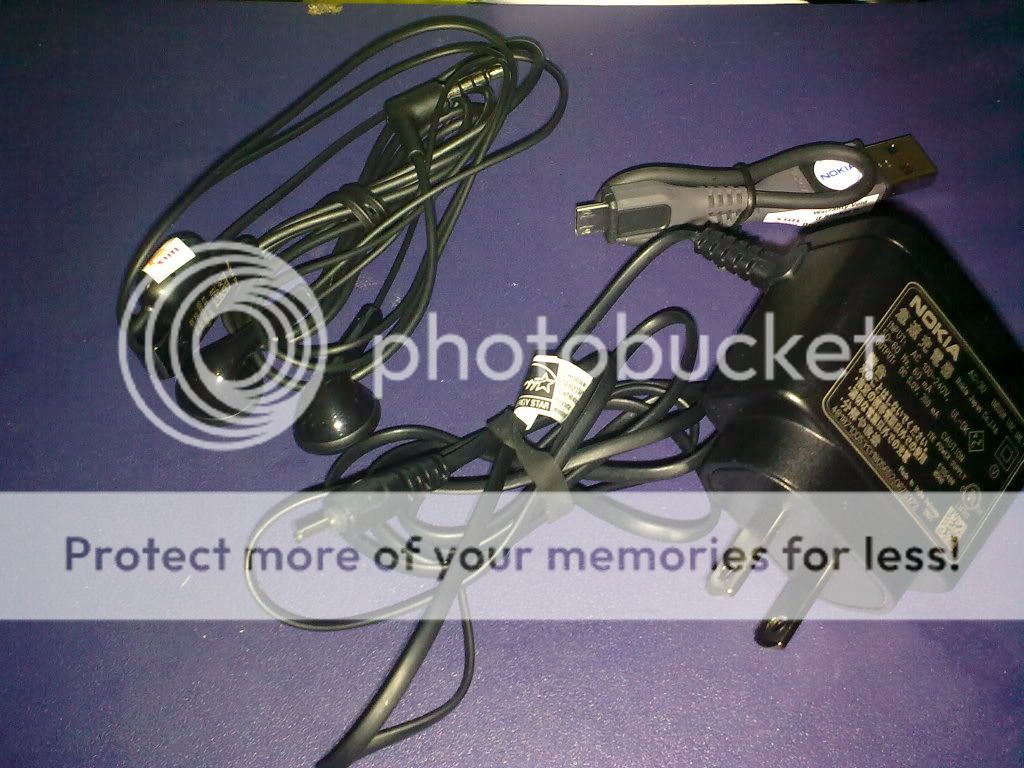

The reason for such a small box may probably be due to two reasons: one is that it only contains the basics, these include the phone, battery, 1GB micro SD memory card, charger, headset and the smallest USB connector from Nokia I have ever seen, the second reason is just my theory of Nokia's effort to save resources and to cut prices.


Nokia made good with the cellphone's casing, because its very convenient to hold, I would however, comment on the numeric keypad because the 2 keypad is very close to the D-pad, it might be better to add a bit of space between. Found on the left side of the phone are the dedicated music keys, its also the Radio keys for Radio listing.


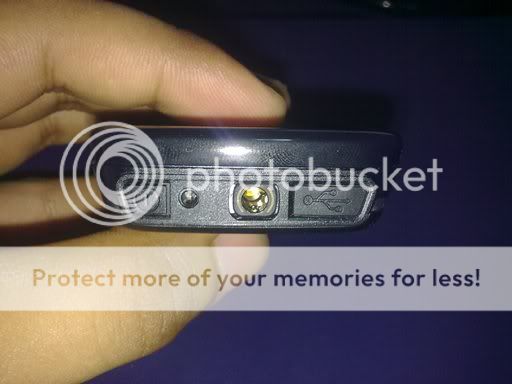
On the right side of the phone is where the volume controls are located as well as the micro SD slot. On top are conveniently placed 3.5 mm jack output, power slot and the micro USB port.


At the back you'll notice the design on the lower portion which is where the speakers are located. Also, there is the 2.0 Camera with out flash.


In all the Nokia 5130XM is a great phone, and considering its retail price of about Php6,000 or rougly US $135. I think the phone is between mid-range to low-range device, considering its price tag and the features that it provides. The feel and touch is great and the audio is very nice, specially when you use the 3.5 mm audio jack output and connect it to your home sound system. The down side for this phone is probably its camera, even though it has 2.0 Mega Pixels, the pictures are mediocre, probably due to the lack of flash. Also, I'm not a great fan of the series 40 of symbian,  it would have been great to use a series 60 instead, avoiding the short-cut keys of attachments to your text editor. All in all, the phone is great for its price tag, and does best what it's meant for, having great music.
How to connect a bluetooth headset to a Nokia 5800

Wednesday, April 7, 2010

Everyday whenever I travel its almost impossible not to see people listing to their music, either through their cellphones, MP3 players or even the background music from buses, and I guess I'm one of them. But sometimes having all that wire from your earphones is pretty annoying, that is why it's convenient to use a bluetooth headset to skip all that wire and enjoy your music wire free.

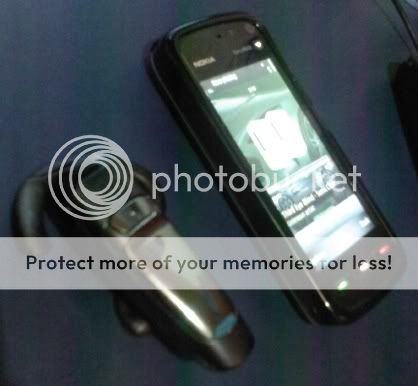
It took me a while to learn how to connect a bluetooth headset to a Nokia 5800 and here is what I did.

1. On your phone Tap Settings > Connectivity > Bluetooth
2. Turn your bluetooth "on"
3. Above the menu, tap the right arrow or the connectivity sign in between the two bluetooth logo, to view your paired devices
4. Tap "Option and select "New Paired Device".
5. Make sure your bluetooth headset is switched on and is ready to be paired or in pairing mode, Tap "More Devices"
6. Select the device as it appears on the list, if you do not see your device, just try tapping "More Devices" again
7. If the device request's for a code, enter the code provided by the manufacturer of the bluetooth headset
8. Select if you wish to connect the device automatically in the future
9. Select connect when asked, and your bluetooth headset should be connected

How to setup proxy for Nokia 5800

Tuesday, March 23, 2010

I would like to share something that took me a while to figure out with my Nokia 5800 ExpressMusic. That is setting up a proxy for connecting to a network that requires proxy settings. I would assume that your phone has its WLAN scanning turned "on" and that your unit can detect the wireless network. Configuring a proxy for your Nokia 5800 is not difficult , here is what i did.

1. On your phone go to or tap Settings > Connectivity > Destinations > Internet
2. Choose and tap the network you wish to access
3. Inside choose options and select advanced settings
4. If the network needs an IP address you can select it and add the IP address, otherewise, just leave it and enter the proxy address and port number for your network

One done, you should be able to connect to your network.

Nokia 5800 XpresMusic Phone

Sunday, July 12, 2009

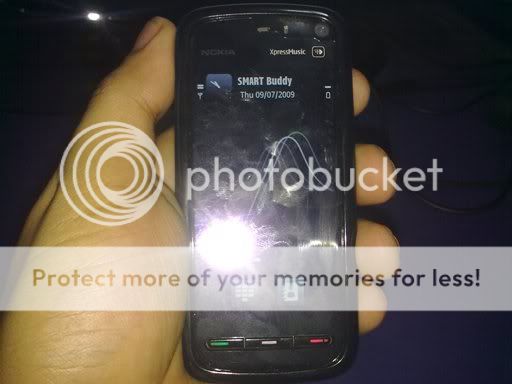
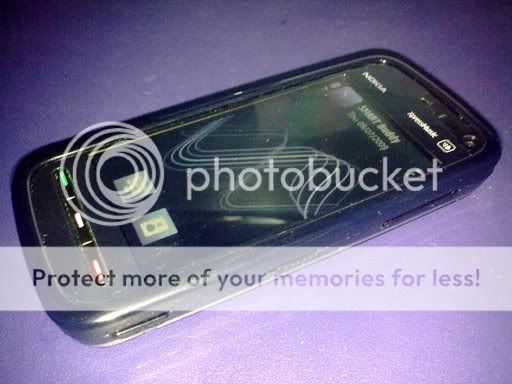
The Nokia 5800 XpresMusic Phone dubbed by some as the "iphone killer" is Nokia's almost all touch screen smart phone. Released on the first quarter of 2009, the phone boast both a hand full of features and some shortcommings. A High-end Phone for an above mid-end price is something that would surely entice any gadget lover.

Here is what you get from the box aside from the phone, the stylus, battery and memory isnt in the picture but it is included in the box. I liked the fact that the Nokia gave a lot of stuff included in the box, considering its price, which is not but nor was it that expensive for this type of phone.

You can see at left side are two slots one is for hot swapping of memory cards ( the phone includes an 8GB memory card, very nice....) and the other is for the SIM card, although unlike the memory card you can only insert it in this fashion if you want to pull it out, you need to remove the battery. The slot of the SIM card slot in my opinion isnt really necessary, why put it in that fashion if you cant use it that way? This is also the location of the speakers which is the best (quality wise) I have heard so far, its also pretty loud and despite its loudness sounds played are still clear.

Here is a view on top, almost all external connection are made here, which include, 35mm audio jack, charger slot, USB slot and power switch. I findit convinient that all these connections are placed here,it just made the phone look neat even you connect the USB cable and power jack in. Nokia also made good adding the 35mm Jack since it allows users to use their standard headset. You cant however, charge via USB, dunno why they didnt inlcude that feature, it would have been great to have that included.


The right side of the phone has the volume control, keypad lock and the camera button, these buttons are conviniently placed for easy access.

The back is where you find your 3.15 Mega Pixel Camera (why didnt Nokia used a 5MP camera?..) also you'll find your stylus which is again placed nicely.


The phone uses symbia S60 Operating System and runs beautifully except for a few instances of lags and slow responses, its very much acceptable. The phone works like any phone the only difference is that its obviously a touch screen device. Nokia also gave its users options on entering text either qwerty or alphanumeric and even a hand writing feature. It also has Wifi and bluetooth so you stay connected if there is an available network. The device also has an accelerometer which allows the screen to change based on how you hold the phone, this can breed softwares that can be very entertaining, Nokia made a sample of this with their racing game, where you need to steer the phone to steer the car, neat! GPS is also included and with its ultra wide screen, im sure you wont loose your way.

I liked the phone, it has a stirdy well developed design combined with Nokia's Symbian Operating System. I think Nokia could have made it better though, but I guess in order to compete with the market they just cut short a few of the features that they could have put in.


Copyright © My blogs